

The Complete Studio Guide to Trucker Hat Embroidery Digitizing
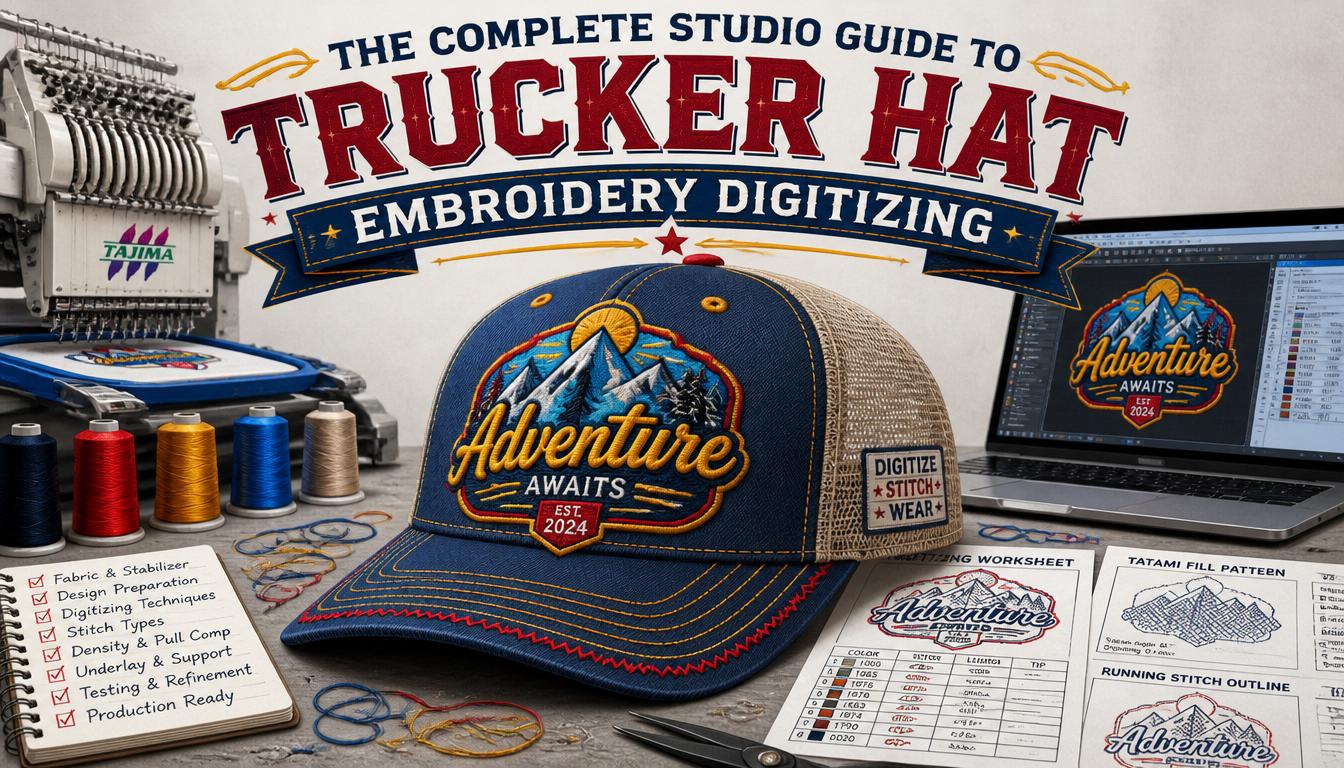
You ordered 50 trucker hats for a new launch. The embroidered logo came back fuzzy, leaning and stitched off-center on the foam front. That happens almost every time the stitch file behind the order was built for a flat polo rather than a curved five-panel cap. Trucker hat embroidery digitizing isn’t the same job as left-chest digitizing or jacket-back digitizing. The crown curves. The panel breaks split the design. The foam front pushes the needle path off by a few millimeters with every stitch. This post walks through what a real cap-savvy digitizing studio does differently. The audit. The curve math. The file output. And the kind of pricing you should expect when the work is done by hand at USA Digitizing Pro.
Quick Answer at a Glance
Trucker caps need a digitizing approach tuned for the curved foam front, the rigid mid panel seams and the open mesh back. A file built for a flat T-shirt will not stitch out cleanly on a five panel cap.
At USA Digitizing Pro every cap order runs through a senior digitizer who sets stitch direction from the brim up, adds extra pull compensation on the front foam and confirms the placement on a sample swatch before shipping the file.
What Makes a Trucker Hat Different to Digitize
A trucker cap usually has a five-panel construction. Two side panels and a single front panel sit on a flat brim. The front panel rides on a layer of dense foam that gives the cap its tall, rigid silhouette. The back half of the crown is open mesh for ventilation. Each of those four elements (foam, panel seams, flat brim, mesh) reacts differently to a needle.
Compare that to a polo shirt. The polo is flat. The fabric stretches evenly in every direction. Density math is straightforward. On a trucker cap the foam pushes back against the needle. The seams between panels block stitches from running across them. The mesh on the back panel cannot hold dense fills without unraveling. A digitizer who treats the cap like a flat garment ends up with a fuzzy, lopsided, or torn result.
The Curve Compensation Problem
Every cap front bends along two axes. Up and down along the foam ridge. Left and right across the curved face. The embroidery needle drops straight from the machine head, so the stitch lands on a moving target. Without compensation the design pulls inward at the edges and leans to the side.
A trained cap digitizer measures the bend in millimeters and adds extra fabric width into the path data. The compensation pushes the outer edges of the design wider by a fraction so they meet the eye perfectly straight after the cap returns to its natural shape. The math is small. The visual effect is huge.
Top down stitch sequence
Cap embroidery runs from the brim up to the crown. That direction matters. Running the file in the opposite order pulls the fabric upward and causes puckering at the brim seam. Every file at the studio ships with the stitch path sequenced correctly for cap machines.
Center out start point
The first stitch on a cap should land at the center front. From there the digitizer alternates left and right to keep panel tension balanced. A file that starts off-center will pull one side panel tighter than the other and leave a visible lean in the finished logo.
Manual Digitizing Versus Auto for Caps
Auto-digitize tools work passably on flat polos. They almost always fail on caps. The auto path engine cannot account for the foam push, the seam blocks, or the mesh sensitivity. Two specific problems show up every time. Density is uniform across the design instead of stepped down on the side panels. The stitch path crosses panel seams head-on instead of running parallel to them.
Manual digitizing solves both. A senior cap digitizer drops density by about 15 percent on side panel work. The path is routed along the seam line rather than across it. Underlay stitches go down first to lock the foam in place before any visible satin work runs over the top.
Foam Front and Mesh Back: Different Rules
The two halves of a trucker cap behave like two different garments. Foam front needs more underlay. Mesh back needs less density.
On the foam front the digitizer increases the underlay to a tatami pattern that locks the foam down. Without that lock the foam pops back as soon as the needle clears, and the satin stitches sit loose on the surface. On the mesh back the digitizer reduces density so the thread doesn’t tear the open weave. Most embroidery on trucker caps stays on the front panel for that reason. When clients want a small logo on the back, the studio recommends a run stitch outline rather than a dense fill.
File Output Formats for Trucker Cap Files
Every cap order ships in all eight industry-standard machine formats at no extra charge. DST is the workhorse for most production shops running Tajima cap heads. PES covers shops on Brother machines. JEF works for Janome multi-head setups. EXP handles Melco. VP3 fits Husqvarna. XXX runs on Singer. HUS supports older Husqvarna rigs. EMB is the Wilcom master file, useful when a downstream digitizer wants to edit the design later. The full set lands in your inbox as one zipped folder so the production floor can pick the right file without a second request.
Pricing and Turnaround on a Cap Order
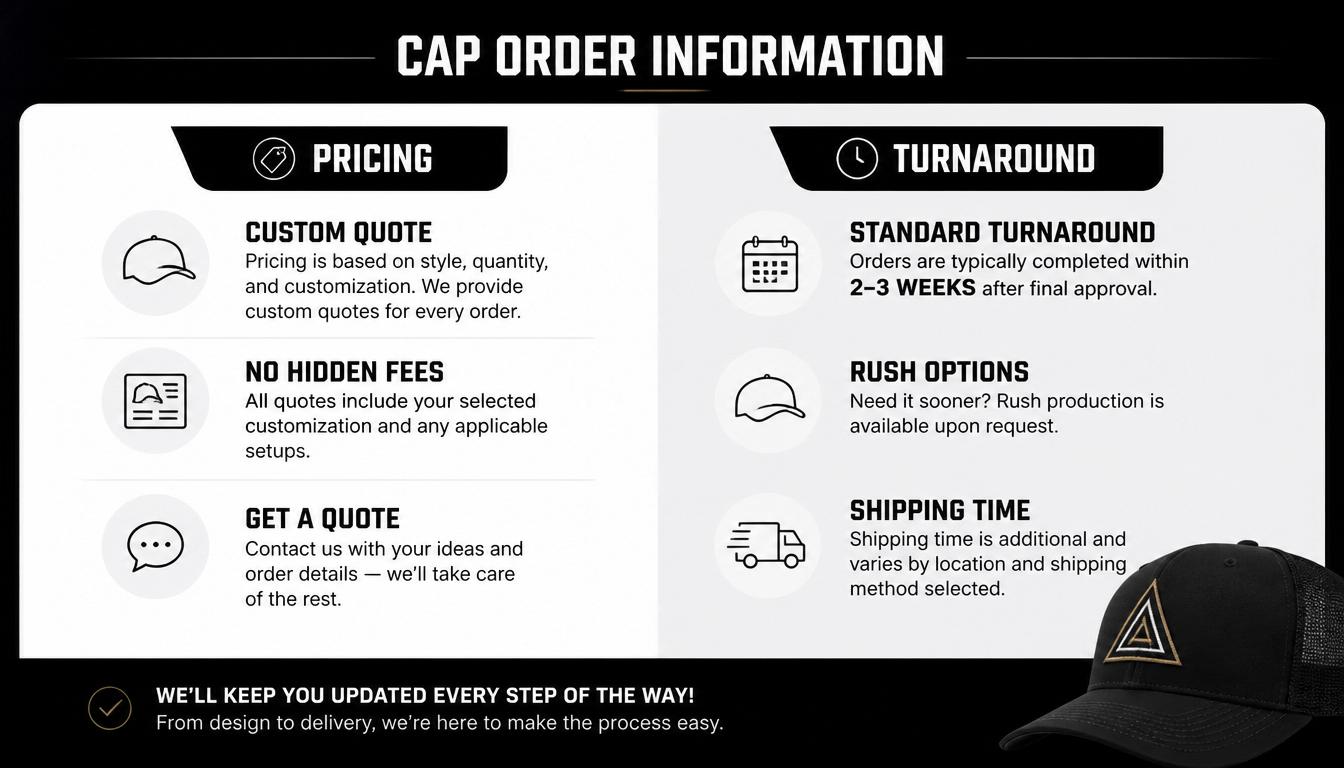
Cap pricing at USA Digitizing Pro follows the same flat-rate model as the rest of the service line. Cap-front logos under five inches across run a flat $15. Anything wider runs $25 and above based on stitch count, color count, and complexity. The quoted number is the final number. No surprise fees for the cap-template file, the curve compensation, or the sample stitch-out.
Standard turnaround sits at 2 to 4 hours for caps under 10,000 stitches. Same business day delivery applies for any order received before 3 pm Central Time. First-time customers get free rush service automatically, which moves the file to the top of the queue at no extra charge.
Wholesale buyers pushing 25 or more designs a month tap into a per-design discount, NDA coverage on every file, dedicated account management, and bulk ZIP packaging in the folder structure they specify. Promotional product distributors and contract embroidery shops sit naturally in this tier.
A Real Order: Austin Coffee Roaster
A small specialty coffee roaster in east Austin needed 60 trucker caps for a new neighborhood opening. The brand sent over a JPG of their logo at about 800 pixels wide. Two colors. A circular icon with a wordmark below. Total final size on the cap front was set at 2.5 inches tall and 4 inches wide.
The intake digitizer flagged one issue at the audit step. The wordmark text was sitting at 4 mm tall in the requested layout, just below the safe minimum for clean readability on cap foam. The team at USA Digitizing Pro sent back a quick mockup with the text bumped to 5 mm and the icon scaled down slightly to keep the overall footprint balanced. The owner agreed within twenty minutes by email.
Manual digitizing wrapped in about two hours and forty minutes. The two-machine sample showed clean satin edges on the cap-front swatch and zero panel-seam crossover. The studio shipped the file in DST as the primary format with PES added as a backup. The final charge to the roaster was $15 because the logo was under five inches wide. All 60 caps stitched out without a single thread break that weekend.
Author Note: 9 Years on Cap Machines
A short note from the lead cap digitizer at the studio.
I’ve been digitizing caps for nine production years across both single-head Tajima cap rigs and multi-head Barudan cap setups. The single biggest mistake new cap buyers make is treating the cap front as a flat 2.5 inch square. It isn’t. It’s a curved foam pillow with rigid seams on three sides.
When you size your logo, leave a 4 mm safety margin on every edge so panel curve doesn’t clip your design at production time. That single habit prevents most cap returns I’ve seen over the years.
Pre-Send Checklist Before You Order Cap Digitizing
Run this short list before sending your cap logo to the studio. It speeds turnaround and prevents email back-and-forth.
- Name the cap style you plan to stitch on. Trucker, snapback, dad cap, fitted, and beanie each need different density math.
- Send a high resolution copy of your logo. Vector is best. A 300 dpi raster is acceptable.
- State the final size in inches. Most cap fronts run between 2 and 2.5 inches tall and 3 to 4 inches wide.
- Share Pantone color codes if your brand has them. If not, mark which colors are flexible.
- Mention the foam thickness if you know it. 5 mm foam is the trucker standard.
- Confirm the machine format you need. DST is the safest default for cap machines.
- Note your production deadline in your local time zone. The studio runs on Central Time and ships same day before 3 pm CT.
Frequently Asked Questions
Digitizing the file is one cost. Stitching the actual cap is another. File digitizing at most US studios runs between $10 and $40 per design depending on stitch count and color count. The stitching cost charged by the cap decorator usually runs $4 to $8 per cap for a single front panel logo, with discounts at higher quantities. Many decorators bundle digitizing free above a certain quantity, so always ask about that before you place an order.
No. Cap embroidery needs a cap frame attachment and either a flat-bed machine with a cap driver or a dedicated cap-head machine. Standard flat-bed machines built for shirts cannot hold the curved cap surface tight enough for clean stitching. Most commercial caps run on Tajima cap heads, Barudan cap rigs, or smaller Melco and Brother machines with cap attachments. Home embroidery machines can stitch a few cap designs but rarely handle high volume cleanly.
Puckering usually points at three causes. The stitch direction ran from crown to brim instead of brim to crown. The density was too high for the foam front. The underlay was missing or too light. A properly digitized cap file fixes all three at the file stage, before any thread touches a cap. If your existing file keeps puckering, ask the digitizer to step density down by 10 to 15 percent and rerun a sample on a real foam-front swatch.
The hard floor for embroidered text on a cap front is about 5 mm tall. Below that the thread sits too thick relative to the letterforms, and the strokes blur into each other. Block fonts and bold sans-serif faces handle small sizes better than thin scripts. If your wordmark drops below 5 mm in the layout, ask the digitizer for a quick mockup before approval. A 1 mm increase often saves the readability without affecting the overall design footprint.
A simple two-color cap-front logo wraps in about 60 to 90 minutes of digitizer time. A medium three to four color crest takes 2 to 3 hours. A complex four-plus color design with fine text can run 4 hours or more on the workstation. The studio standard turnaround for completed cap files sits at 2 to 4 hours, with same business day delivery for orders received before 3 pm Central Time. Rush service runs free for first-time customers.
Most trucker caps don’t stretch. The foam front and rigid panel seams hold their shape during stitching. A small amount of fabric pull happens at the back panel where mesh meets the crown, but a properly digitized file accounts for this in the underlay. Knit beanies stretch quite a bit during embroidery and need very different density math. Always confirm the cap style with your digitizer before any file work begins.
Light thread on dark fabric reads sharpest. White, cream, gold, and pale gray all show up well on black trucker caps. Bright primary colors (red, royal blue, lime green) also pop on black and tend to last longer than dark threads on dark backgrounds. If your brand uses dark logos, ask the digitizer to add a thin contrasting outline so the design separates visibly from the cap fabric in low light.
Start Your Next Trucker Hat Embroidery Digitizing Order
A cap-tuned stitch file pays for itself the moment your first batch ships clean. No fuzzy fronts, No leaning logos and No reorders from unhappy customers. For streetwear brands, coffee shops, promotional distributors, and contract embroidery shops working with cap orders at any volume, that single upgrade compounds across every cap shipped through the year.
Ready to send your cap artwork? Reach out to USA Digitizing Pro through any of the channels listed below. Standard turnaround stays inside the 2 to 4 hour window for simple cap-front logos and the first rush order is on the house for new customers.
Follow Us

RELATED BLOGS

Mastering the Art of Embroidery Digitizing Services: Five.
Published October 17, 2026 | By USA Digitizing Pro Team Mastering the art of embroidery digitizing services is usually written about as.

Modern Hat Machine Embroidery: Methods and File Rules.
Published September 21, 2026 | By USA Digitizing Pro Team Modern hat machine embroidery no longer means one thing. A cap that.
2 COMMENTS
[…] the foam rather than sitting on it. The mesh back is generally not embroidered for the same reason. the trucker hat digitizing guide covers this type in more […]
[…] right and others do not. the structured versus unstructured cap guide covers the differences, and the trucker hat digitizing guide covers the foam front […]