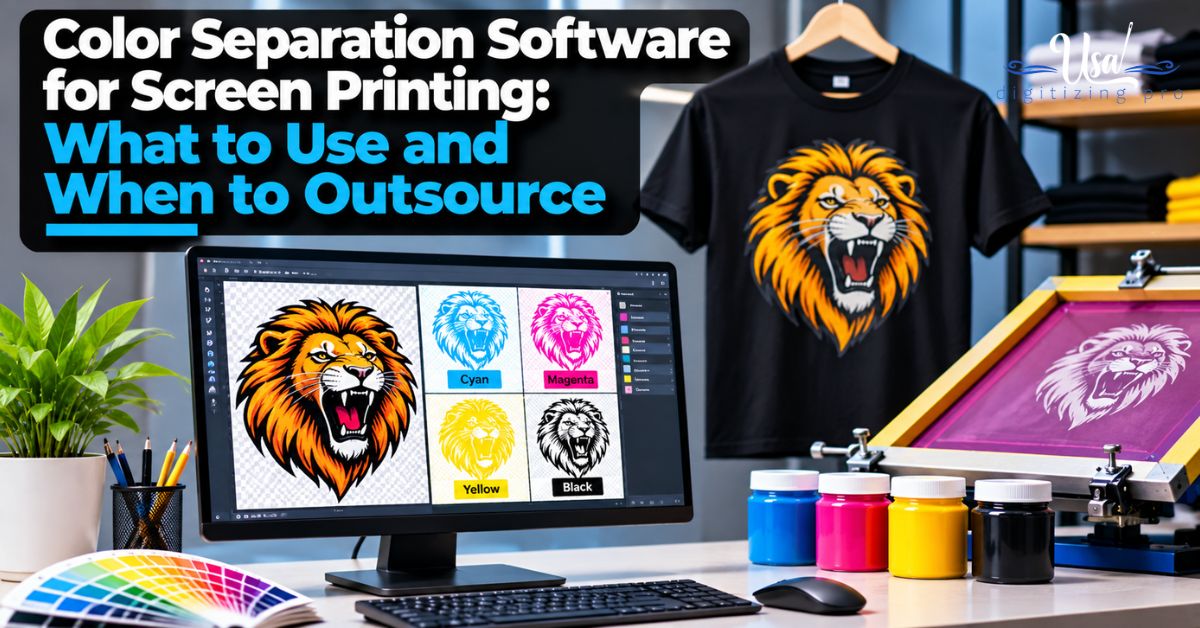
Color Separation Software for Screen Printing: What to Use and When to Outsource
By USA Digitizing Pro Team | Published November 2026 | Updated November 2026
Every screen needs its own color layer. That layer comes from the separation file. Get it right and the press runs clean. Get it wrong and you’ll burn screens chasing muddy colors all afternoon. Choosing color separation software for screen printing depends on what you print most: flat vector logos, full-color photos or illustrations on dark shirts. This post compares the main software types, what each one does well and when sending the job out saves money. Rather skip the software altogether? Our color separation services prepare press-ready files for you.
Quick Answer
The right color separation software for screen printing depends on your artwork. Vector programs like Adobe Illustrator and CorelDRAW handle spot color logos. Adobe Photoshop handles photos and simulated process work, often with separation plug-ins. Free tools like Inkscape and GIMP cover basic spot work. Complex simulated process jobs are often faster to outsource.
| Software type | Examples | Best for | Learning curve |
|---|---|---|---|
| Vector design | Adobe Illustrator, CorelDRAW, Inkscape | Spot color logos and text | Medium |
| Raster editor | Adobe Photoshop, GIMP | Photos, simulated process, index | Medium to high |
| Separation plug-ins | Add-ons for Photoshop | Faster simulated process seps | Medium |
| RIP software | Separation output and halftone tools | Printing films and screens | Medium |
| Outsourcing | A separation service | Complex or rush jobs | None |
Need separations fast? Send your artwork, shirt color and ink count to art@usadigitizingpro.com.
What Does Separation Software Do?
It splits artwork into one layer per ink. Then it prepares each layer for film or direct-to-screen output. One layer, one screen.
The software also handles halftones, underbases for dark shirts and trapping, which lets colors meet without gaps. New to all of it? Start with how to separate colors for screen printing.
Which Separation Type Do You Print Most?
Start with your artwork. Not the software. Different separation types need different tools.
Spot color gives each solid color in the design its own screen with a mixed ink. It’s best for logos and text. Process (CMYK) splits the design into cyan, magenta, yellow and black halftones, mostly for photos on white shirts. Simulated process uses a set of spot inks plus halftones to mimic full color, often on dark shirts. Index prints square dots of solid color, a pixel-like method for full-color art. The differences are explained in spot color vs process color separation and types of color separations for screen printing.
Vector Programs: Illustrator, CorelDRAW and Inkscape
For spot color logos, text and flat graphics, vector programs win. You can set each color as its own spot swatch and print it on a separate film.
Adobe Illustrator is the most common in print shops. CorelDRAW is popular in sign and print shops that already run it. Inkscape is free and handles basic spot work, though shops often move to paid tools as jobs grow. Vector art keeps edges sharp at any size, which matters when screens are burned. Only have a JPG? Our vector art services can rebuild it first. Format differences are broken down in vector file formats explained.
Raster Programs: Photoshop and GIMP
Photos, soft shading and simulated process work belong here. Photoshop’s channels are the standard place to build these separations.
Building a simulated process separation by hand takes real skill. Inks have to be chosen. Channels get built one by one. The underbase is set. Halftones are controlled. GIMP is a free option for simpler work. It has fewer print-focused features, though. Expect a learning curve either way.
Separation Plug-ins: Are They Worth It?
For shops printing photo-style designs every week, yes. Plug-ins speed up simulated process and process work inside Photoshop by automating channel building and ink selection. A person still has to check every channel and adjust it for the shirt color and press. Shops that only print the occasional photo job may find outsourcing costs less than the license plus the training time.
What About RIP Software?
A RIP doesn’t create separations. It outputs them.
Lots of shops pair a design program for separations with a RIP for output. If your films print with uneven dots, look at the RIP settings first. The separation is often fine.
How Do You Choose the Right Software?
Match it to your most common jobs. Then your budget. Then your team’s skills.
- Mostly spot color logos: a vector program is enough.
- Regular photos or dark-shirt full color: Photoshop, ideally with a plug-in.
- Tight budget and simple work: Inkscape or GIMP.
- Inconsistent films: look at RIP software.
- Occasional complex jobs: outsource them.
When Should You Outsource Separations?
When the job is complex, rushed or outside your usual work. Simulated process on dark shirts is the one most often sent out. A bad separation costs screens, ink, press time and reprints. A ready file skips all of that. USA Digitizing Pro prepares separations by hand with a standard turnaround of 2 to 4 hours. Pricing starts at $15 for designs under 5 inches. Larger or complex art is quoted first.
Here’s a decision we see often. A print shop lands a 6-color illustration for black shirts with a two-day deadline. Their designer is great at spot logos but rarely builds simulated process. They send the separations out, get the files back the same day and spend their own time on screens and press setup.
About the Author
USA Digitizing Pro Team. Vector artwork and color separations have been prepared here since 2015 for US screen printers and decorators, alongside embroidery digitizing.
Frequently Asked Questions
Illustrator for spot color vector work and Photoshop for photos and simulated process, often with a plug-in.
Yes for simple jobs, using Inkscape for spot color and GIMP for basic raster work.
Not for spot color logos; you’ll want it for photos and simulated process on dark shirts.
It’s a method that uses spot inks with halftones to imitate full color, often on dark shirts with a white underbase.
Minutes for simple spot jobs and hours for complex simulated process, with USA Digitizing Pro delivering standard files in 2 to 4 hours.
A vector file for logos and text or a high-resolution file for photos, plus shirt color, ink count and print size.
Pick the Right Tool or Let Us Separate It
The right color separation software for screen printing depends on your art. Vector programs for spot color. Photoshop for photos and simulated process. Free tools for simple work. When a job is complex or rushed, send it out.
Follow Us

RELATED BLOGS

Embroidery Digitizing Mistakes: The Setting Behind Each One.
Published August 17, 2026 | By USA Digitizing Pro Team Every list of digitizing mistakes names the same problems andalmost none of.
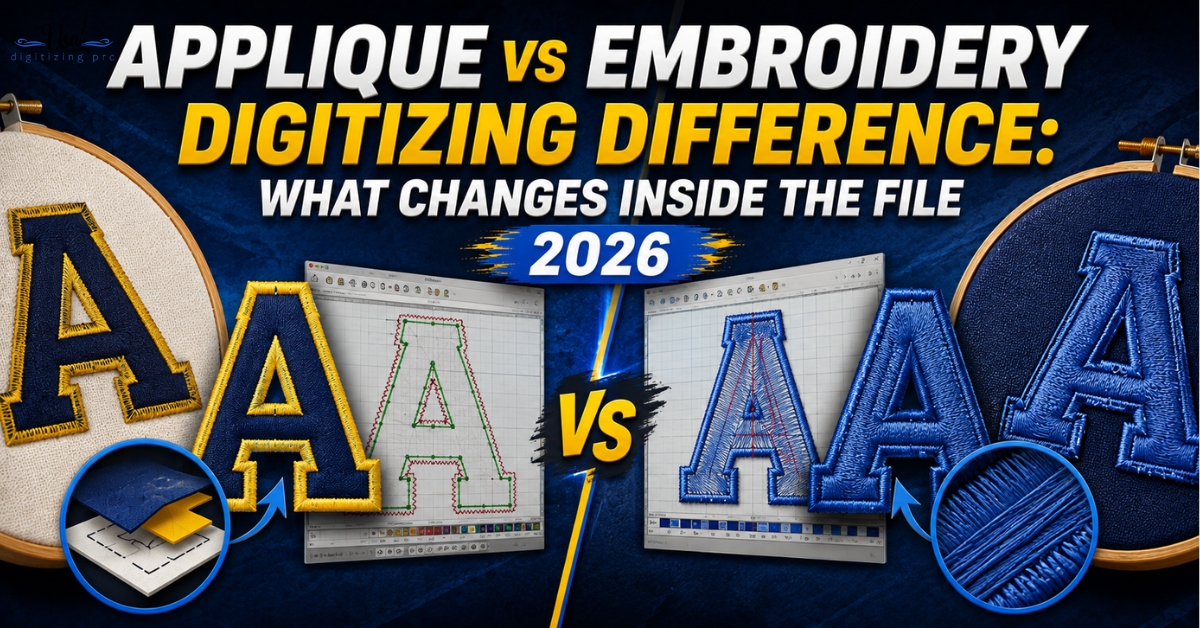
Applique vs Embroidery Digitizing Difference: What Changes Inside.
Send the same logo to two digitizers and ask one for embroidery and one for applique, and you'll get back two completely.