

Logo Digitizing Stitch Count Estimator Guide: Rough Numbers Before You Quote 2026
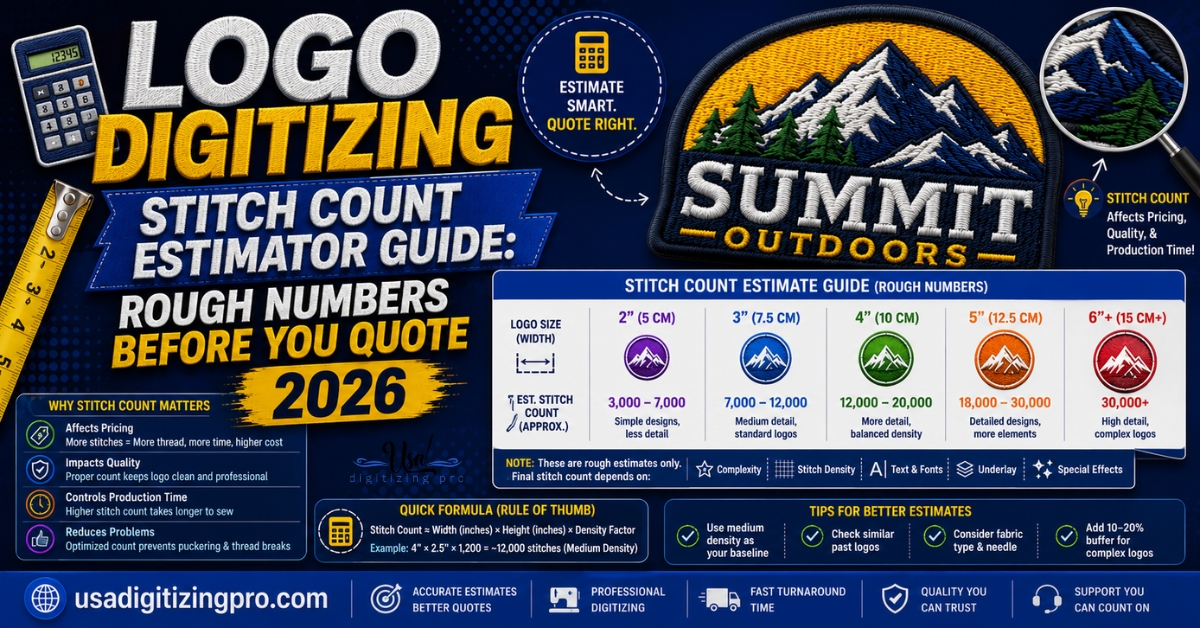
Stitch count sounds like a technical detail buyers shouldn’t have to think about, until a quote comes back higher than expected and there’s no way to tell whether that number is fair. A logo digitizing stitch count estimator guide gives you a rough way to check before you ever request a quote, using the same factors a digitizer actually looks at: size, fill coverage, and how much detail the letterforms carry. None of this replaces an actual quote, but it tells you whether the number you get back is in a reasonable range.
Quick Answer at a Glance
Why Stitch Count Matters Before You Even Get a Quote
Stitch count drives two things a buyer cares about directly: production time on the embroidery machine and, at some studios, the price itself. A logo with 6,000 stitches runs in a few minutes. One with 18,000 takes several times longer, even at the same physical size, because the added density and detail simply require more needle passes. Knowing roughly where your design sits before requesting a quote helps you spot a number that’s out of line, in either direction. For the full process a digitizer runs through when a logo comes in, the logo digitizing process walkthrough covers the design audit stage where stitch count first gets estimated.
The Basic Math Behind Stitch Count
A rough industry rule treats one square inch of solid embroidery fill as roughly 800 to 1,200 stitches, with the exact number depending on how dense the design needs to be. A simple text-only logo sits at the lower end of that range. A design with heavy solid fill or 3D puff elements sits at the higher end. Multiply the design’s approximate covered area in square inches by that density figure, and you get a workable ballpark, not an exact number.
A 1 by 3 inch design at moderate density, for example, lands somewhere around 3,000 to 4,000 stitches for the fill alone, before outline, underlay, or text details are added on top. That’s a starting point for a rough sense of scale, not a substitute for an actual digitizing review.
What Pushes Stitch Count Higher
Solid Fill Coverage
The more of a design that’s filled solid rather than left open or outlined, the more stitches it needs. A logo that’s mostly negative space and thin linework will always run lower than one with large solid shapes at the same physical size.
Script and Decorative Fonts
Curved, connected letterforms need more needle penetrations per letter than a straight-edged sans-serif font does, since each curve requires smaller, more frequent stitches to render cleanly. A script wordmark commonly runs noticeably higher in stitch count than a block-letter version of the same words.
Outline Details, Drop Shadows, and Underlines
Small extras add up. A straight underline beneath a wordmark, a drop shadow behind a shape, or a fine outline traced around the whole design all add a meaningful number of stitches relative to their visual size, since each is effectively its own extra stitch layer running the full length of the element.
Letter Height and Text Density
Smaller text doesn’t reduce stitch count the way you’d expect, since satin stitching for tiny letters still needs a minimum density to hold its shape. A block of small text can carry a surprisingly high stitch count relative to its physical footprint.
What Keeps Stitch Count Low
Bold, simple shapes with minimal internal detail are the cheapest and fastest designs to digitize regardless of overall size. A clean wordmark in a straightforward sans-serif font, with no drop shadows or fine outline work, will consistently run at the low end of the stitch count range. If keeping production time and machine wear down matters for a large order, simplifying the design before digitizing has more impact than almost any other single decision.
A Simple Grid Method for a Rough Estimate
Here’s a quick way to get a ballpark number without any special software. Overlay your design over a 1-inch by 1-inch grid at its actual finished size. Count how many full grid squares the design covers, and estimate partial squares as roughly half or a quarter depending on how much of the square is actually covered. Multiply that total covered-square count by the density figure that matches your design’s complexity: around 800 for simple text-only designs, 1,000 for a design with a mix of text and small graphics, and up to 1,200 or more for dense fill or 3D puff work.
This isn’t precise, but it’s close enough to flag a quote that looks unusually high or low for what the design actually contains.
Why Two Similar-Looking Logos Can Have Very Different Stitch Counts
This is the detail most stitch count explainers skip. Two logos that look nearly identical in a screen mockup can carry very different stitch counts once digitized, because stitch count responds to structure, not appearance. A solid circle and a circle built from a thin outline look almost the same on screen but differ by thousands of stitches once one is filled and the other is just a border. Buyers comparing two quotes for what looks like the same logo are sometimes actually comparing two structurally different builds, not two different prices for the same work.
Stitch Count Ranges by Design Type
Using This Estimate Before You Request a Quote
- Measure your design at the actual finished embroidered size, not the size it displays on screen.
- Estimate the covered area using the grid method above.
- Match your design’s complexity to a density figure between 800 and 1,200 stitches per square inch.
- Compare your rough number to the quote you receive, and ask questions if the two are wildly different.
- Remember this is a sanity check, not a replacement for an actual digitizing review of your specific artwork.
A Real Order, Broken Down
A Michigan HVAC company submitted a logo for left chest digitizing and was surprised when the quote came back higher than a similar order they’d placed a year earlier for what looked like a comparable design. A quick review showed the difference: the new logo had a solid-fill circular badge background behind the company initials, where the previous one had used an open outline in the same spot.
The solid badge alone added roughly 4,000 stitches compared to the outline version. Once the company understood the difference was structural rather than a pricing inconsistency, they chose to keep the solid badge for visual impact rather than change it, with a clear understanding of why the two quotes differed.
Who Builds These Files
USA Digitizing Pro has digitized logos of every stitch count range from its Texas studio since 2015. Every file is built by hand, with stitch count and complexity reviewed during the design audit before work begins. Standard turnaround runs 2 to 4 hours, with pricing at a flat $15 for designs under 5 inches. Every file carries a money-back quality guarantee.
Frequently Asked Questions
Most left chest logos fall between 6,000 and 12,000 stitches. Simple text-only designs can run under 5,000, while complex multi-color crests with heavy fill can reach 18,000 or more.
Not directly. Color count affects the number of thread changes and machine stops during production, which adds time, but it doesn’t automatically add stitches the way solid fill or fine detail does.
Usually because the design has more solid fill, script text, or fine detail than it appears to on screen. Two visually similar logos can have very different actual stitch counts once the underlying structure is compared.
Sometimes. Switching a solid fill to a lighter fill pattern, simplifying a drop shadow, or adjusting font weight slightly can reduce stitch count with minimal visible difference at normal viewing distance.
Not significantly on its own. Durability comes more from correct underlay, density, and pull compensation than from raw stitch count. A well-digitized low-stitch-count design can outlast a poorly built high-stitch-count one.
Most commercial embroidery machines can run very high stitch counts without a hard limit, though extremely dense designs increase run time and the risk of thread breaks. Practical limits come more from cost and production time than machine capability.
They give a reasonable ballpark for simple designs but don’t account for the specific structure of your artwork the way a digitizer’s manual review does. Treat them the same way as the grid method in this guide: useful for a sanity check, not a final number.
Usually, since puff work needs wider satin columns to fully cover the foam, and wider columns need more thread passes. The exact difference depends on the specific design and foam height involved.
Higher stitch counts simply take longer to run at a given machine speed. Some very dense designs also require the machine to slow down to avoid thread breaks, which compounds the added production time beyond just the raw stitch total.
It’s worth considering for very large production runs, since even small stitch count reductions compound across hundreds or thousands of garments. For smaller orders, the time savings are usually too small to justify changing the design’s look.
Getting a Realistic Number Before You Order
A logo digitizing stitch count estimator guide really comes down to understanding what drives the number: fill coverage, font style, and detail level, not just physical size. Use the grid method here as a rough check, then compare it against an actual quote from a digitizer who reviews your specific artwork.
Follow Us

RELATED BLOGS
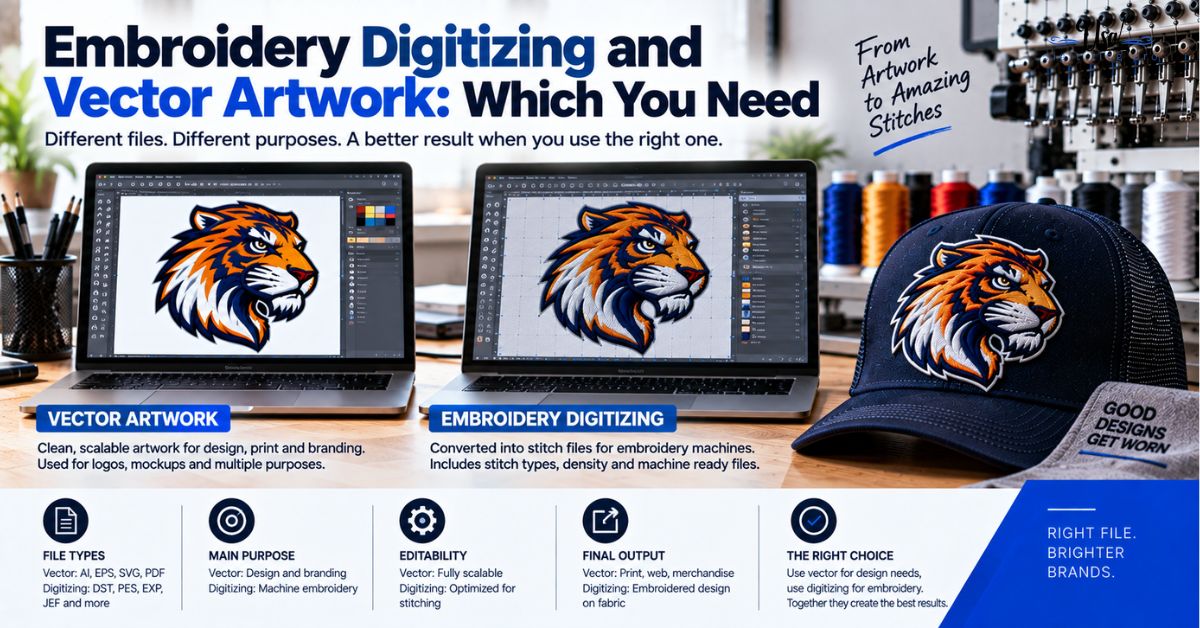
Embroidery Digitizing and Vector Artwork: Which You Need.
Published September 21, 2026 | By USA Digitizing Pro Team Embroidery digitizing and vector artwork get sold side by side, which leads.
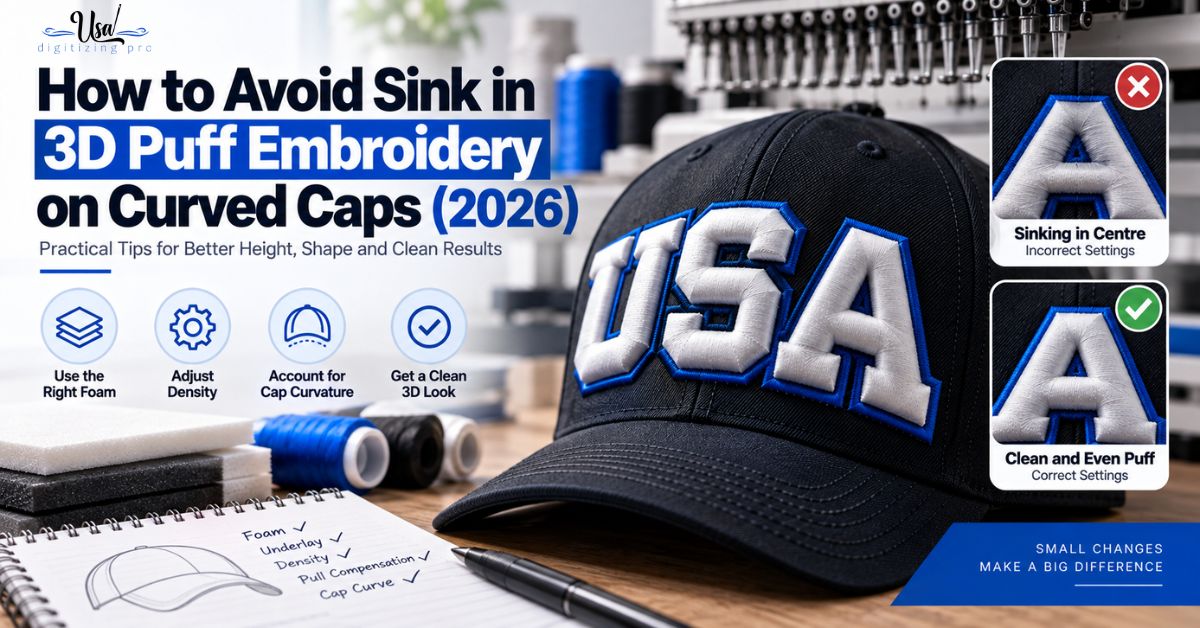
How to Avoid Sink in 3D Puff Embroidery.
Published September 11, 2026 | By USA Digitizing Pro Team A puffed logo that stands proud at the outer letters and loses.
3 COMMENTS
[…] have different available areas, and each needs its own file rather than a resized copy of another. the stitch count estimator walkthrough helps sanity check whether the design’s complexity suits the size it is headed […]
[…] the single most controllable factor in a hat quote, because it comes from how the design was built. the stitch count estimator walkthrough helps you judge where your design will […]
[…] The narrow tapered ends stayed as single satins since they were already well within range. the stitch count estimator walkthrough covers how these structural choices affect total […]